Room type or individual room? How to structure your rooms in your booking system
Five rooms, but how many room types? The choice you make when setting up your PMS and channel manager drives your rates, your availability, your overbooking risk and even your ranking on Booking.com. How to decide, and how to fix it.
Share on LinkedIn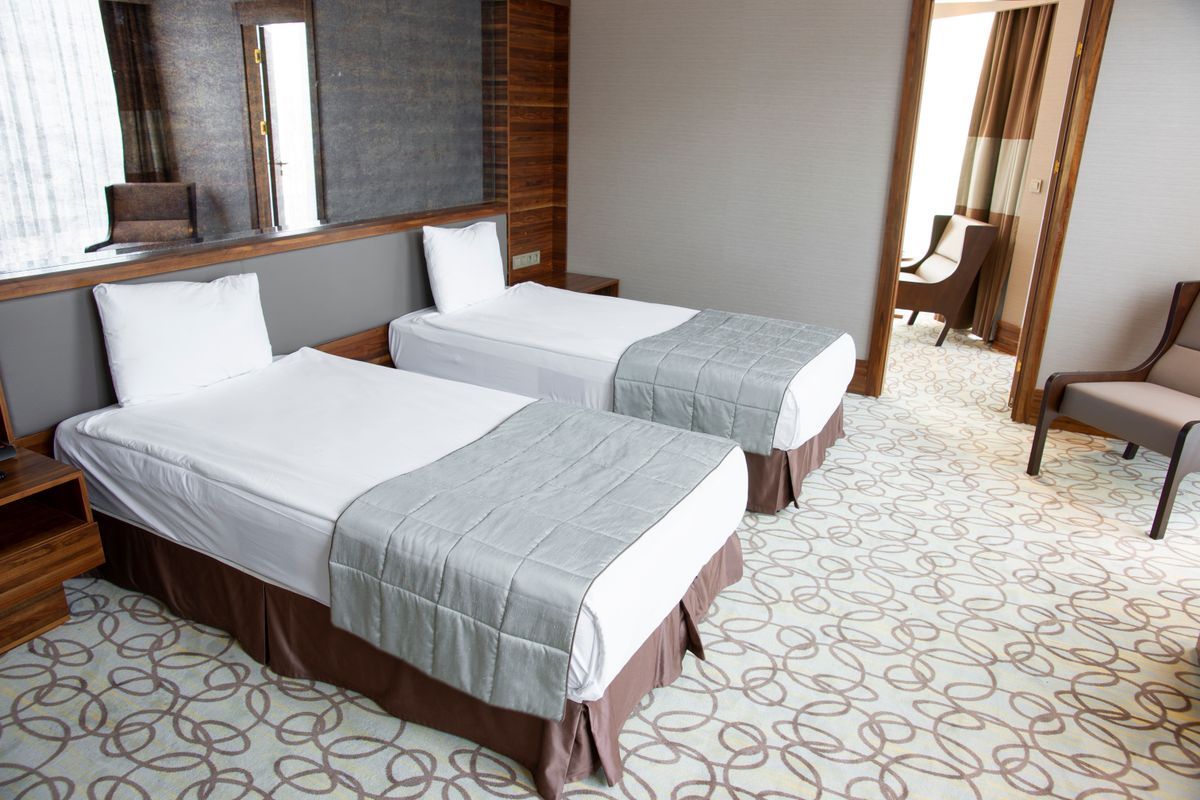
Short answer: a room type is a category of interchangeable rooms that you sell at one rate (for example "Double Room with Garden View"). On Booking.com, the number of units is how many physical rooms of that type you have for sale. "1 unit" means there is exactly one such room: once it is booked for a night, that room type is sold out for that night. Five identical rooms can be one room type with five units; five different rooms are five room types with one unit each. Your channel manager sends that number of available units per day.
You have five rooms. While setting up your booking system or channel manager, you get the question: how many room types do you have? And that is where the doubt starts. Five rooms, so five types? Or just one, since they are roughly the same size? It looks like an administrative detail you click past quickly, but it is one of the few decisions you keep running into afterwards: in your rates, your availability, your overbooking risk, your position in OTA search results and the usefulness of your numbers.
This article explains what a room type actually is, when to group rooms and when not to, and what to do if you got it wrong at the start.
A room type is not a room
The difference in one sentence: a room is a physical space with a door and a number, a room type is what you sell.
The guest booking on Booking.com does not pick room 3. They pick "Double room with garden view" and, on arrival day, get assigned a room that matches that description. That is not laziness on the OTA's part, that is exactly how accommodation sales work: you sell a promise (size, bed, view, bathroom, price) and you keep the freedom to fulfil that promise with whichever room fits best at that moment.
So your room type has one description, one set of photos, one nightly rate and one availability counter. If three physical rooms sit under that type, availability for tonight is 3, 2, 1 or 0. The OTAs receive that number, not the room numbers.
The rule of thumb: group what you would dare to swap
Put two rooms under the same type if you would have no problem giving a guest who booked room A room B on arrival, without explanation and without a discount.
If you cannot, they are two types. Concretely:
- Same type when the difference comes down to wallpaper, furniture colour or which floor it is on. Guests who booked "a double room with private bathroom" will not experience that difference as a shortfall.
- Separate type when capacity differs (2 people versus 4), when the bathroom differs (private versus shared), when there are real features people pay for (whirlpool bath, terrace, garden view, separate entrance) or when the price differs. If you structurally charge 25 euro more for room A than for room B, they are not variants of one thing: they are two products.
Edge case: a room sold both as a double and as a triple. That is one room type with variable occupancy and a surcharge for the third person, not two types. How to set up that surcharge is covered in per person or per room pricing.
Holiday rentals are the simplest case: one property is one type with one unit. Rent out two properties and those are almost always two separate types, even at the same address, because a guest who booked one does not simply accept the other.
Why too many types is as bad as too few
Too few types is the classic: four different rooms squeezed into a single "Double room" type, because setup goes faster that way. You only feel the consequences later. You cannot charge more for the room with a terrace, because there is only one rate. You get disappointed guests who saw a whirlpool bath in the photos and got a standard shower. And you lose the ability to see which room earns your money, because those rooms do not exist separately in your reports.
Too many types is subtler and costs you bookings. Five identical rooms as five separate types with one unit each means maintaining photos five times, changing a rate five times, setting a minimum stay five times. Worse is what it does to availability. A group wanting three rooms sees three separate products instead of "3 available" and drops out more often. With one free room across five types, a guest may well search that free night in the wrong product. And with minimum stays and gaps in your calendar, the puzzle gets exponentially harder, because your system is no longer allowed to shift rooms around. See also filling gaps in your booking calendar.
The right setup usually sits in the middle: two to four types for a B&B with five to ten rooms.
What the OTAs do with it
On the OTA side, a room type is the unit everything hangs on: the rate, the restrictions, the photos and the number of available rooms. Your channel manager pushes one number and one rate per day per type. Put a room under maintenance in your system and that type's counter drops by one, automatically, on every channel.
Two practical consequences. First: the types in your PMS and the types in your OTA extranet must be mapped one to one. A wrong mapping is the single most common cause of double bookings — availability from type A gets pushed onto type B and neither counter is right any more. How to avoid that is covered in preventing overbookings.
Second: room types with photos, a clear name and correct amenities perform better in search results than a generic "Room". A guest filtering on "private bathroom" or "family room" only sees you if that is set as an amenity on the right type.
Assigning rooms stays your job
A common worry: if I sell types, do I still know who sleeps where? Yes. In a PMS every booking gets a type on arrival in the system, and you place a physical room underneath it — automatically or by hand, days ahead or that same morning. In BedFlow PMS you see this on the room grid: rows are your real rooms, blocks are bookings, and you drag a booking to another room of the same type whenever that works out better. Your housekeeping works on room numbers, your OTAs on types, and you need both.
That is exactly the upside of sensible grouping: with two loose nights in rooms 1 and 3 you can still place a four-night guest by rearranging the puzzle. With five separate types you cannot, because there the room is the product.
It is set up wrong. Now what?
This happens more often than you would think, usually because the setup was once made in one OTA's extranet and everything else followed. It can be fixed, in this order:
- Draw it on paper first: which types you want and which rooms belong under them. Do not start clicking in the system.
- Create the new types alongside the old ones, with photos, description and rate, and do not activate them on the channels yet.
- Move the physical rooms to the right type. Current and future bookings stay attached to their room.
- Remap in your channel manager: each type in your PMS to the right type at each OTA. Do this channel by channel and only tick it live when you are sure.
- Check availability every morning for the first few days, comparing a handful of dates in your PMS with what the OTA shows.
- Only remove the old types once no bookings are attached to them any more.
Do this in a quiet period, not the week before your busiest weekend. And expect your ranking on an OTA to move a little after a restructure: new types start without review history on that type.
In short
Group what you would dare to swap, split where the guest pays for a real difference, and keep the number of types as low as is honest. Two to four types covers most B&Bs. The rest — which guest sleeps in which room — is your planning, not something the OTA needs to know.
Want to see what that looks like in practice, with room types, a room grid and a channel manager working off the same counters? BedFlow PMS is free to try for 30 days at bedflow.eu, no card details required. Rates are on the pricing page and the setup is walked through step by step in the documentation.
30-day free trial, no credit card. We migrate your MyTourist or other PMS data with you.