Creating a ticket
Updated on 2026-04-26
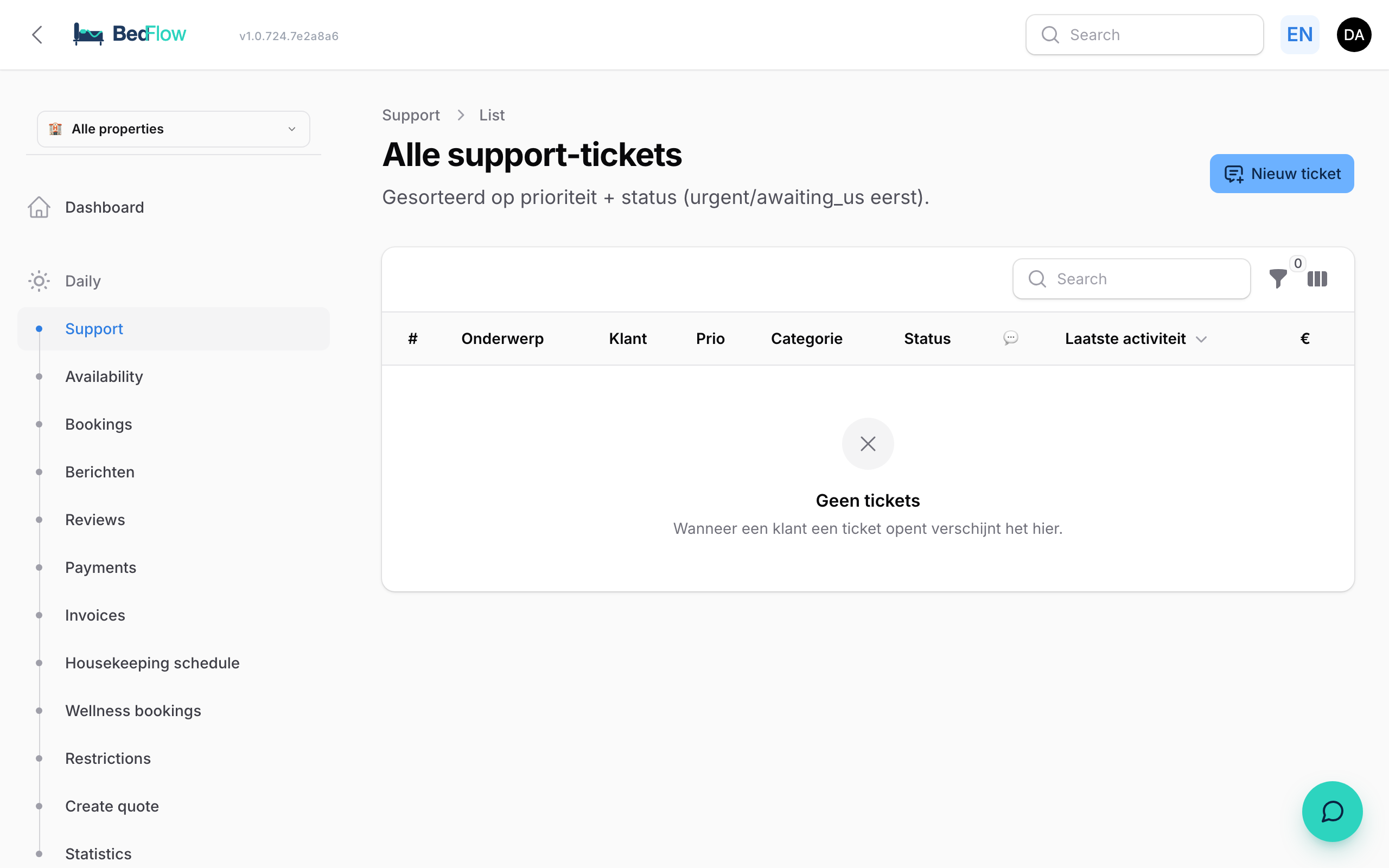
Since April 2026 we have our own ticket system in BedFlow. Instead of an email to support@bedflow.eu you can submit your question or bug directly from the system — faster, with automatic context (which property, which Laravel/Filament version, which browser).
Where do I find this?
In the sidebar under Daily → Support. You see a list of all your tickets with their status (open, in progress, resolved).

Creating a new ticket
- Click New ticket at the top right
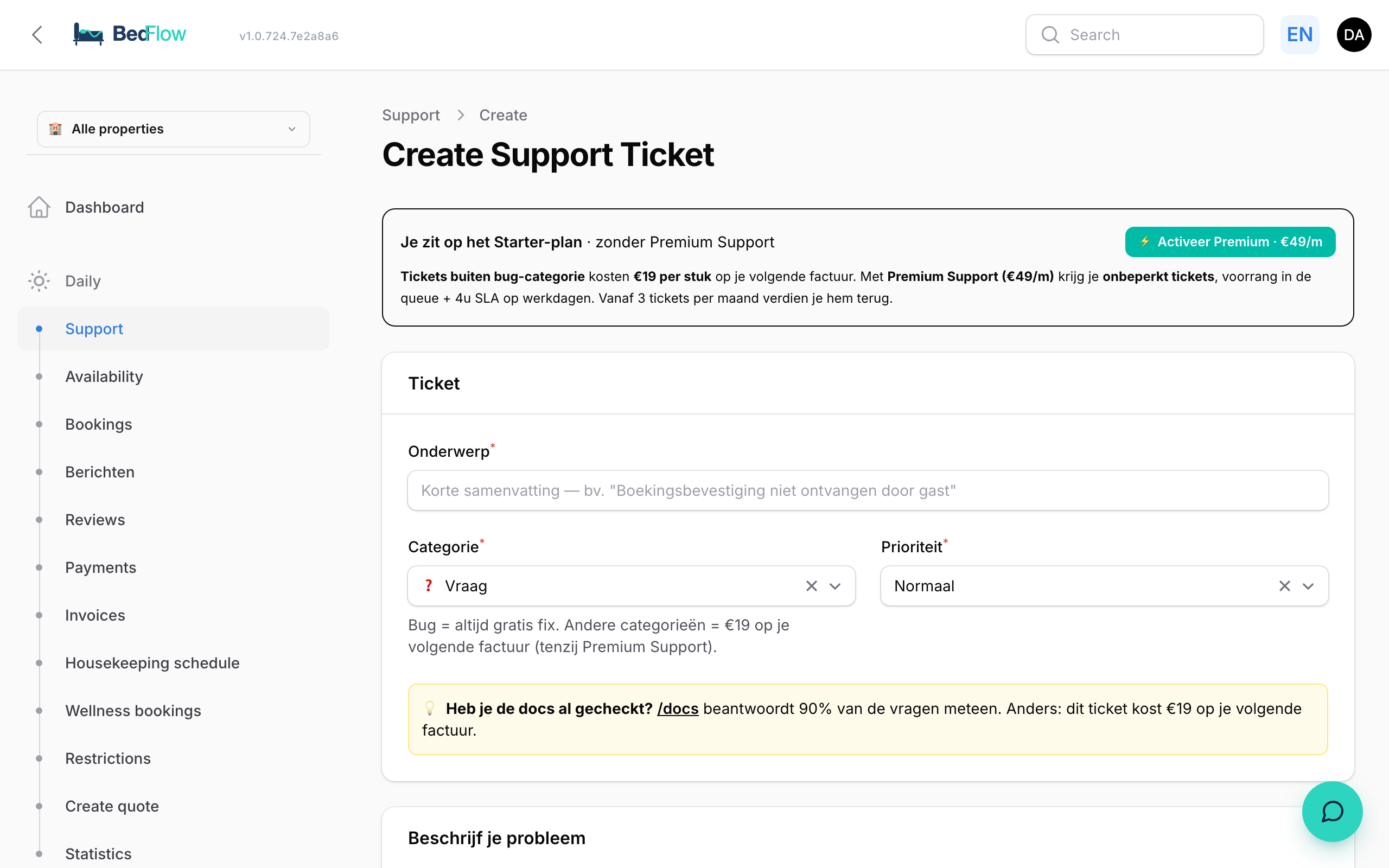
- Fill in:
- Title — short and concrete, e.g. "Confirmation email not received for booking #1234"
- Description — what you tried, what you expected, what you saw instead
- Category — bug, question, feature request, other
- Priority — low / normal / high (use high only for live issues)
- Attachments — drag & drop screenshots or files directly into the form
- Send
What happens next?
- You receive a confirmation email with your ticket number
- Our support team gets a Telegram notification
- Our replies arrive on this page and in your email
- You see the status in real-time: open → in progress → waiting on customer → resolved
Frequently asked questions
When should I create a ticket vs. call someone?
Tickets are for anything that does not cause immediate loss. For live outages (guests cannot book on your website, payments do not work) call +32 XXX XX XX XX — phone support is included in Premium.
Do I get an SLA?
- Standard subscription: 24h during business days
- Premium: 4h during business days, 12h at weekends
Can I add information to my ticket later? Yes — open the ticket and click Add reply at the top. The thread shows the newest reply first, so you immediately see where the conversation stands.
Related
- Bug or question — when do you pay? — what is free, what is not
- How support works — our support philosophy