Quickstart — 5 minute tour
Updated on 2026-04-26
A quick tour through the most important screens, for when you log in for the first time.
0. Logging in
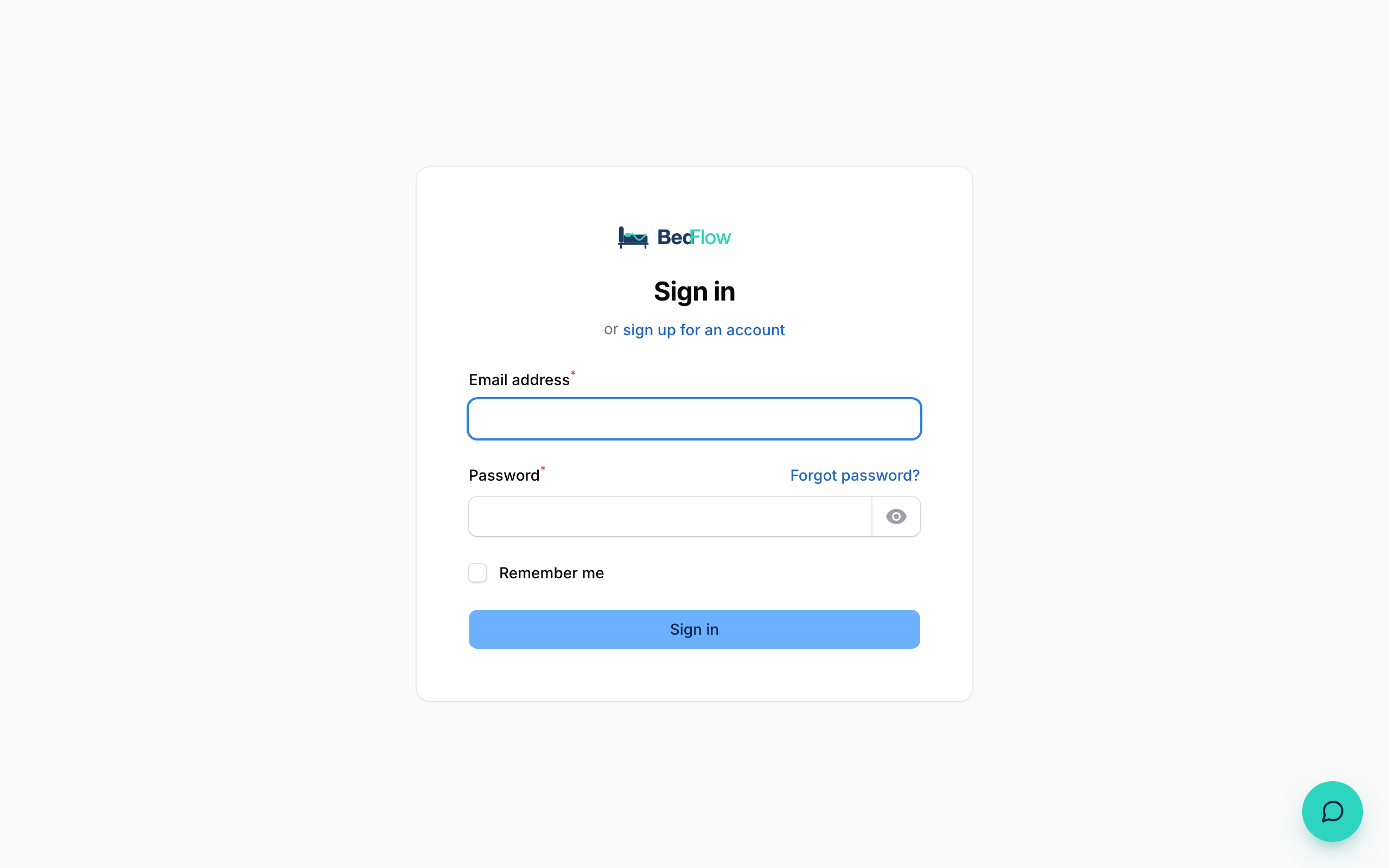
Go to your BedFlow URL (e.g. https://bedflow.eu) and you will see the login screen. Enter your email and password. The first time you log in you will receive a verification email — click that link and you are in.
1. Dashboard (Room overview)
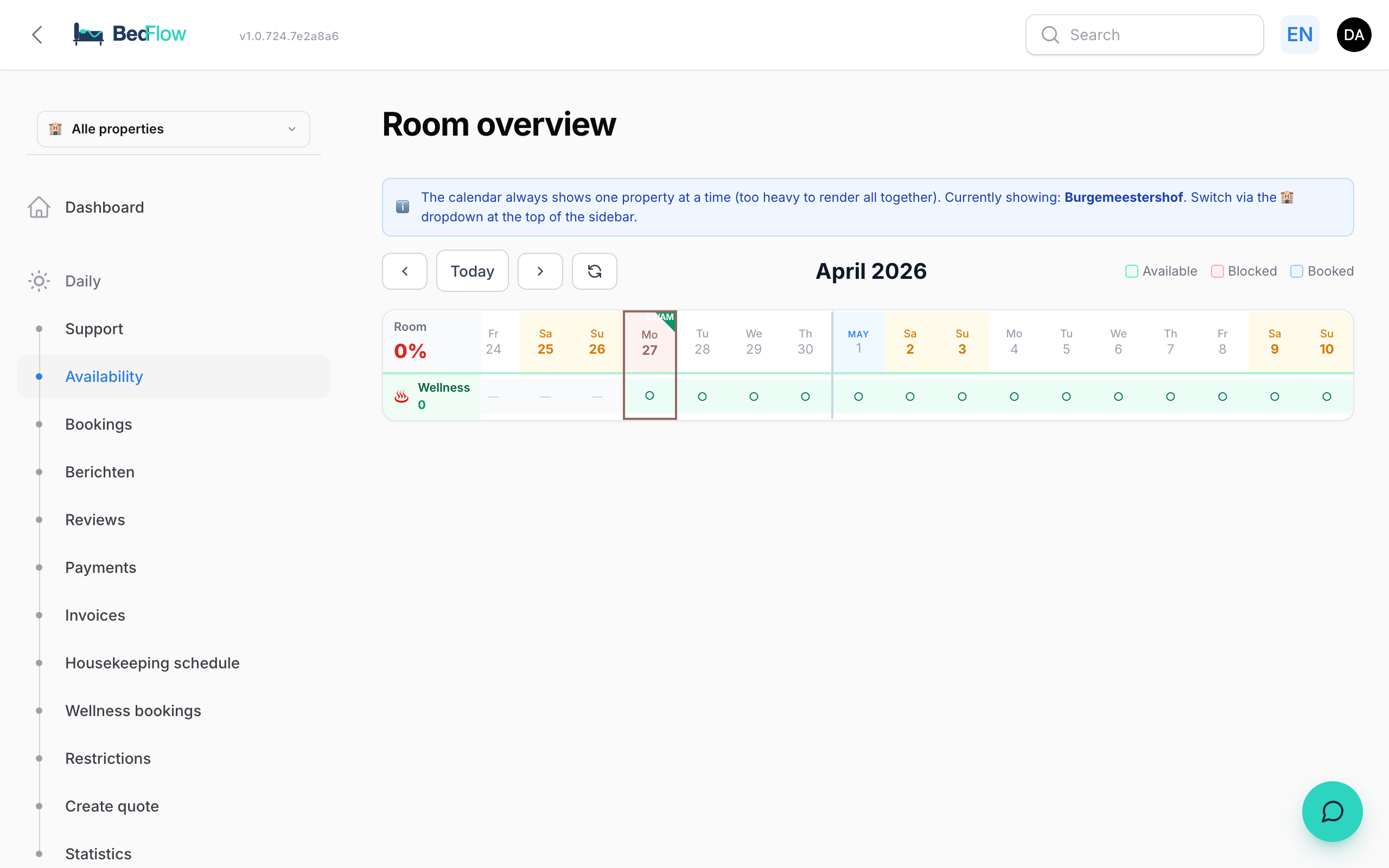
When you log in you land by default on the Room overview — the availability calendar.

Here you see:
- All rooms × days in a grid
- 🟢 green = free, 🔴 red = blocked, 🔵 blue = booked
- KPIs at the top: occupancy, revenue, arrivals
- Today's check-ins and check-outs at the bottom with WhatsApp / Bancontact buttons
Right-click on a date header → bulk block menu.
2. Bookings
BedFlow → Bookings — chronological list of all bookings.
- Filters by status, channel, date
- ➕ New booking (for phone/walk-in)
- Sync MyTourist button for period sync (temporary during migration)
3. Room types
BedFlow → Room types — manage your rooms (prices, photos, Channex mapping, accounting).
4. Rates
Rates in the sidebar — all-in-one screen for price management:
- Visual price chain explanation (base → daily price → season → holiday → channel)
- Base prices grid per room × weekday
- Rate profiles (season, holidays, channel mark-ups)
- Monthly price calendar with room selector
5. Statistics
Statistics — KPIs and charts. Year-on-year comparison, revenue per month, per room, top extras, occupancy analysis, wellness breakdown.
6. Settings → Integrations (Connections)
Settings → Integrations — visual tile grid with 20+ integrations grouped by category (Channels, PMS & Sync, Payments, Accounting, Communication, Infrastructure, Guest experience). Each tile shows its status (connected / active / inactive / not configured) and has a toggle or settings link.
7. Settings
Settings → Settings — all global settings (50+): check-in hours, email templates, widget colours, API credentials, tourist tax, etc. Spread across tabs for clarity.
Next step
Work through one of the topics in the sidebar — start with Create a room or Rate management.