VAT & tourist tax per municipality
Updated on 2026-08-12
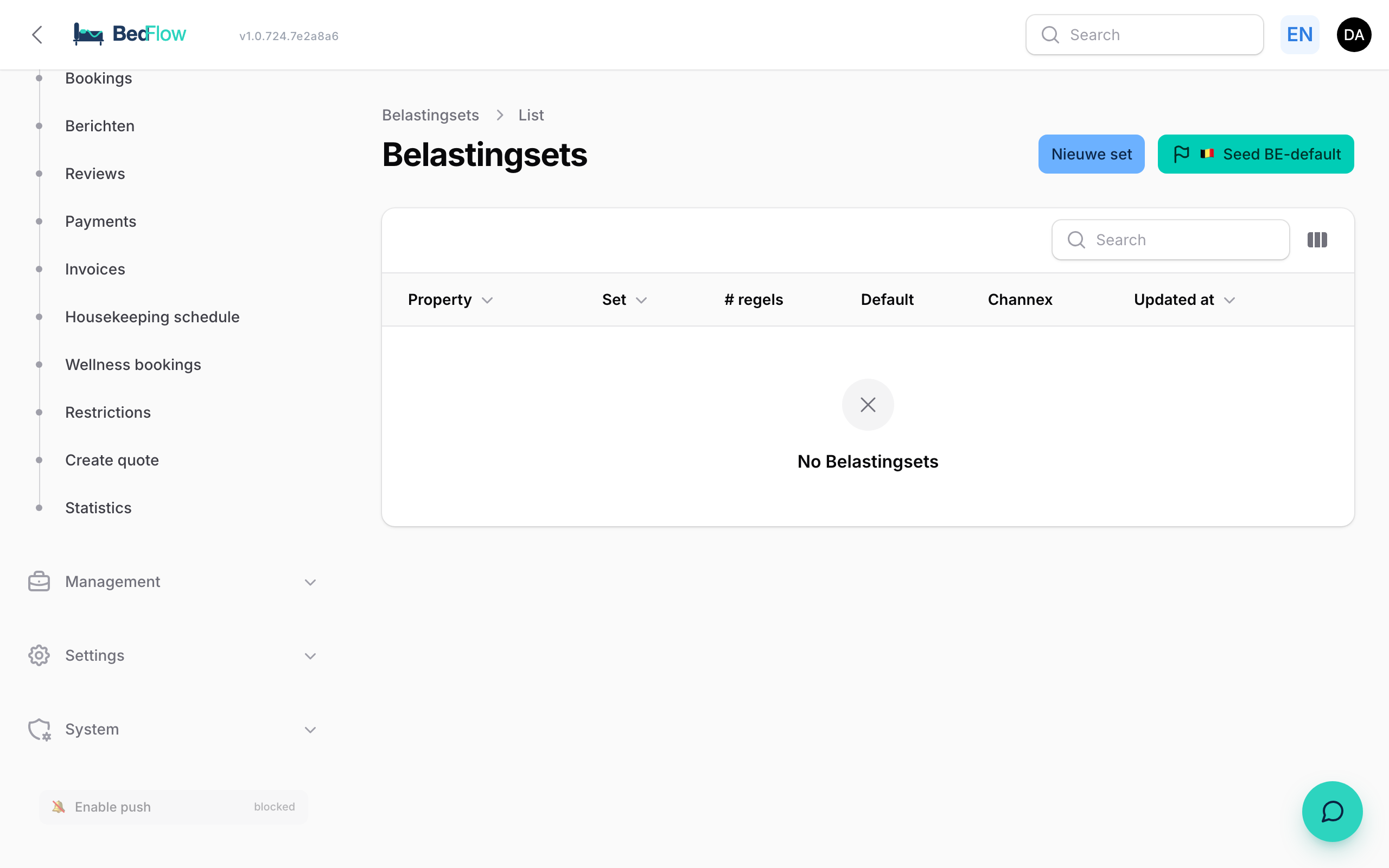
In Belgium tourist tax differs per municipality — and sometimes even per category of accommodation within one municipality. BedFlow handles this with Tax Sets: a reusable combination of VAT + tourist tax that you link per room or per booking.
Where do I find this?
In the sidebar under Settings → Tax sets. You see a list of all tax profiles: their name, VAT percentage, tourist tax per night and which rooms use them.

What is in a tax set?
A tax set bundles at least one tax (it can also be several):
- VAT — usually 6% for accommodation in BE; 21% for extras such as a minibar
- Tourist tax — amount per person per night (e.g. €2.50 in Ghent, €3.50 in Bruges)
- Application — flat-rate (fixed amount) or percentage
- Whether or not for children — some municipalities apply €0 for children up to 12 years
Creating a tax set
- Go to Settings → Tax sets → New tax set
- Give it a recognisable name, e.g. "B&B Ghent — standard accommodation"
- Add taxes:
- VAT 6% (on the accommodation revenue)
- Tourist tax €2.50/person/night
- Save
- Go to Room types, open the room this applies to → field Tax set → choose the tax set you just created
From that moment onwards, bookings for that room are automatically taxed correctly on the proforma and final invoice.
Is the tourist tax already in your rate?
If the price you publish on every channel — Booking.com, your own website — already includes the tourist tax, switch on "Included in room rate?" on that tax line.
What then happens:
- The tax is no longer added on top of your rate. The guest pays exactly the price they saw and owes nothing on arrival.
- The invoice still shows the tourist tax separately at 0 % VAT, and deducts that same amount from the accommodation line. The grand total stays the same; only the split across VAT rates is now correct. A city tax is not accommodation and should not be taxed at the accommodation rate.
With the switch off (the default), the tax is added on top as before.
Frequently asked questions
Can I override the tax set per booking? Yes, on the detail page of a booking you have a Tax set override — handy for exceptional cases (e.g. a corporate booking with VAT exemption).
What about children?
Tick "Does not apply to children under X years" in the tourist tax rule. BedFlow looks at children on the booking and adjusts the amount.
How is this booked into Yuki? VAT goes to the correct VAT account based on the rate (6% vs 21%). Tourist tax is a pass-through item: revenue → liability to the municipality, not subject to VAT.
Related
- Yuki integration — how VAT lands in your accounts automatically
- Creating a new room — at step 6 you link a tax set