Communication Log
Updated on 2026-08-17
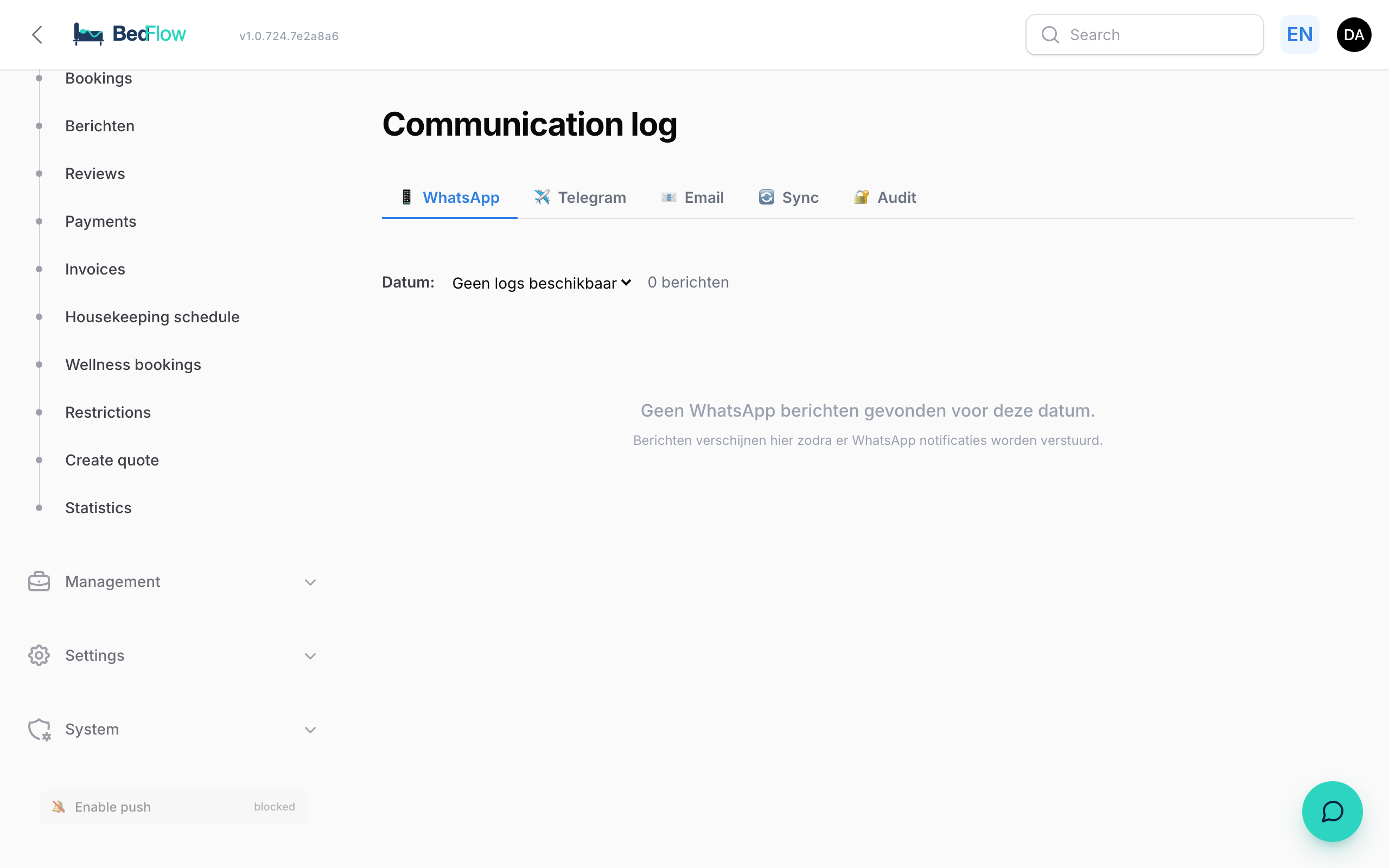
A single central overview of all communication BedFlow sends — to guests or to you as admin.
Found under Manage → Communication log in the sidebar.

Three tabs
All sent WhatsApp messages, per day. Pick a date in the dropdown → see per line the time, guest, phone number and status (✓ success / ✗ error).
✈️ Telegram
Same idea, but for your admin notifications (new booking, payment received, check-in request, housekeeping events, …).
Shows the last 200 emails.
Per email you see
- Date/time
- Status (✓ Sent / ✗ Failed)
- Template badge (e.g.
booking-confirmed) - Language (nl / en / fr / de)
- Which automation rule fired it
- Subject line
- Recipient (email + name)
- Link to the linked booking
- Click a row → embedded iframe with the full HTML as the guest saw it
- "Open full message" link → opens the mail in a new tab
The content is captured at the moment of sending. That way you see exactly what was sent, even if the templates are changed afterwards.
For failed emails
Click the row → the error message appears in a red block below the message. That way you can see immediately why a mail didn't arrive.
Which emails are logged?
All automatic guest emails:
booking-createdbooking-confirmedbooking-fully-paidbooking-reminder(payment reminder)booking-pre-arrivalbooking-checkin-welcomebooking-wellness-upsellbooking-expiredbooking-cancelled
Wellness-specific emails (for now) do not appear in this log.