Rate management — the pricing engine
Updated on 2026-07-01
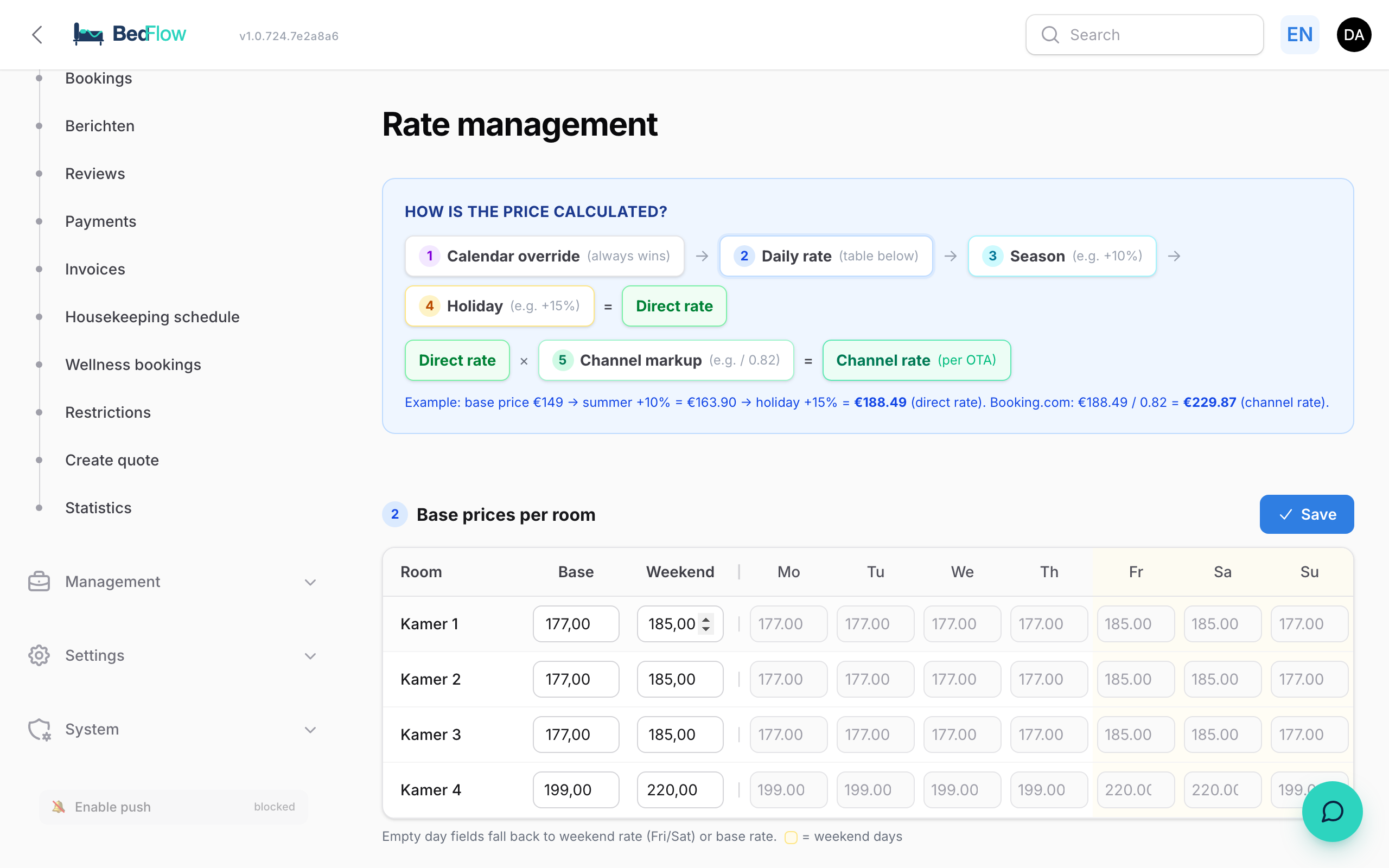
Manage → Rates in the sidebar takes you to the central price management page. Everything you need to determine a price lives here.

The price chain (5 steps)
At the top you see the visual explanation:
1. Calendar override (set manually → always wins)
2. Daily price (per room × weekday, from the base prices grid)
3. Season (e.g. summer +10%)
4. Holiday (e.g. BE holiday +15%)
= Direct price
5. × Channel mark-up (Booking.com / 0.82 = +22% commission compensation)
= Channel price
Example: base price €149 → summer +10% = €163.90 → holiday +15% = €188.49 (direct price) → Booking.com /0.82 = €229.87 (channel price).
Base prices per room
Grid: Room × day of the week. Per room you fill in:
- Base (weekday fallback)
- Weekend (Friday + Saturday)
- Optionally: per specific day (Mon/Tue/Wed/Thu/Fri/Sat/Sun)
Empty days fall back to weekend (Fri/Sat) or base (others). That fallback is marked with yellow/grey indicators so you can immediately see which is explicit and which is derived.
Click a cell → type the new price → Save.
Rate profiles
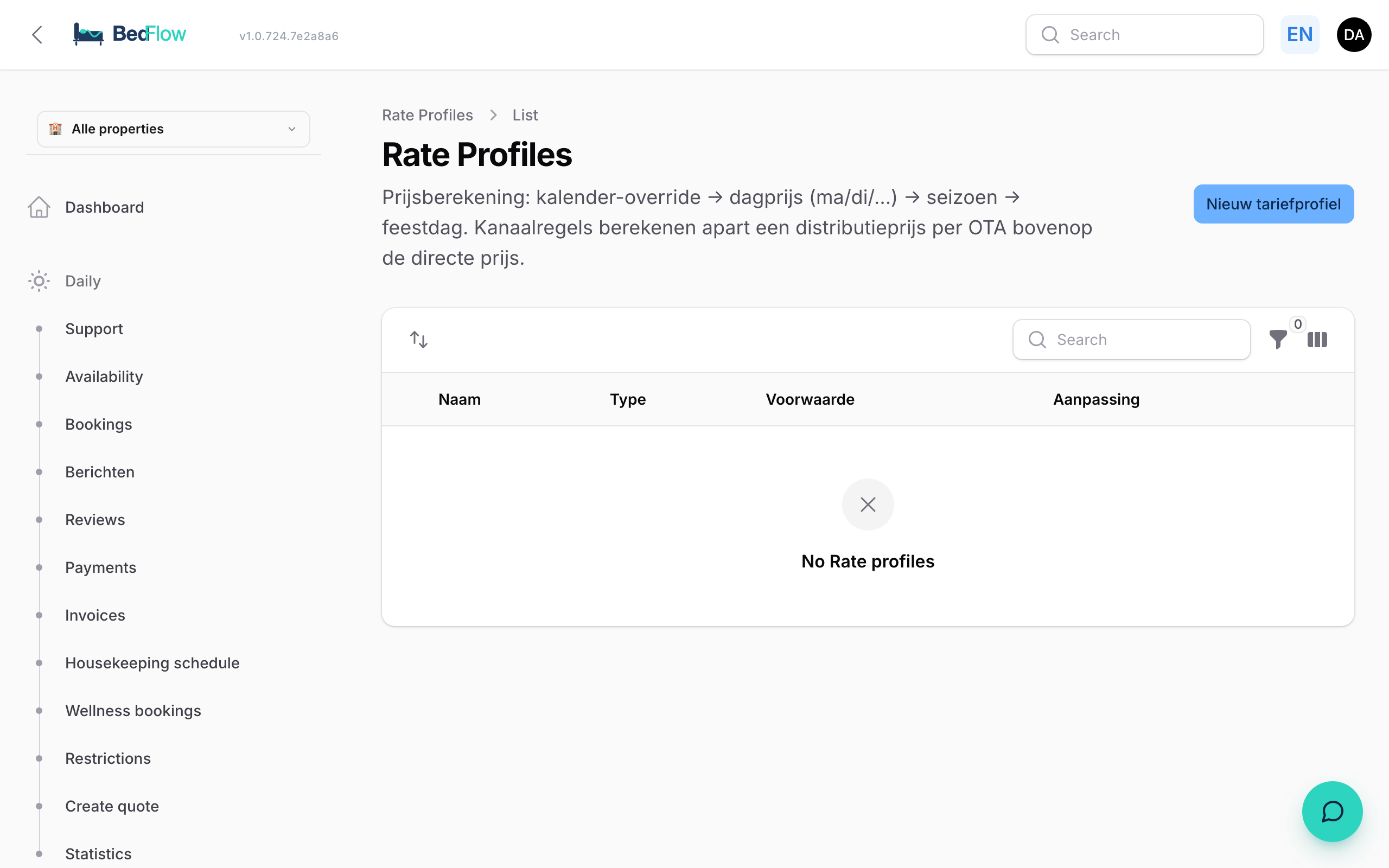
Below the base prices: CRUD for RateRule records. Types:
- Season — period (e.g. 21 June – 22 September) + percentage or fixed amount
- Holiday — BE/NL/DE/FR holidays are calculated automatically (incl. Easter). You choose countries + mark-up percentage.
- Channel — for OTAs: divides the direct price by 0.82 (Booking.com) or 0.85 (Expedia) so that your price after commission matches the direct price.
- Length of stay — discount from X nights (e.g. −10% from 7 nights), see below.
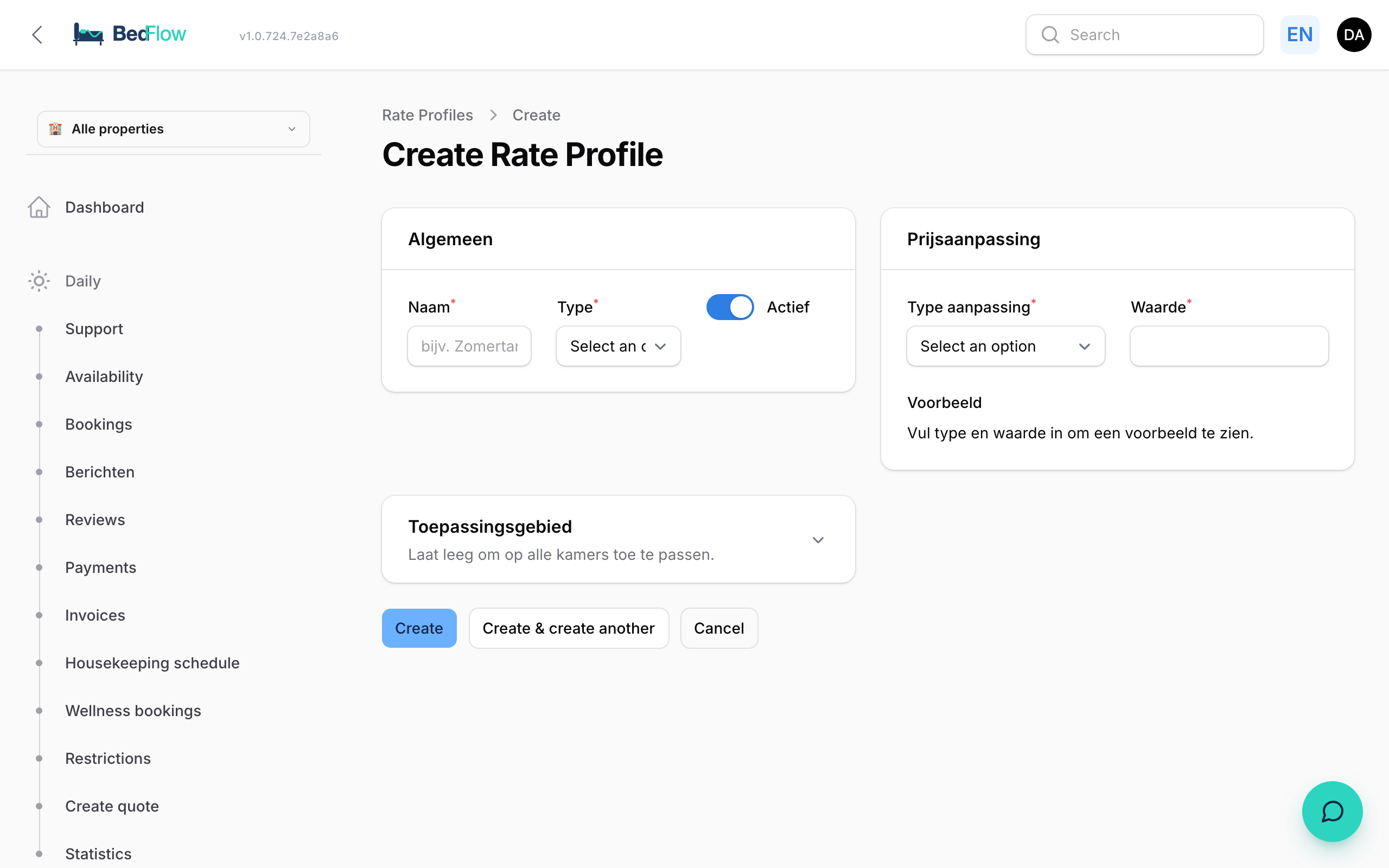
Per rule: inline active/inactive toggle, edit, delete.
Length-of-stay discounts
Besides the price chain above there is one extra step at booking level: the length-of-stay discount. It automatically gives a discount from a minimum number of nights (e.g. −10% from 7 nights) — on the room total, not per night. Works in the widget, in quotes and towards OTAs via Channex. Read all about it in Length-of-stay discounts.
Price calendar preview
At the bottom: room selector + month navigation. Shows the price per day for the chosen room. Hover over a cell → full calculation chain in a tooltip:
Room 3, 24 August 2026 — Saturday Base: €185 (weekend)
- Summer rate: +10% = €203.50 = Direct price: €203.50 Booking.com: €203.50 / 0.82 = €248.17
Manual overrides
If you adjust a price manually in the Room overview → that becomes a calendar override (step 1 in the chain). It always wins, even if you change rates afterwards.
See an override in the preview you want to remove? There is a "Remove override" button in the tooltip — the cell then falls back to the automatic calculation.
Seeder for beginners
A RateRuleSeeder comes with 4 ready-made profiles: BE+NL Holidays, Summer rate Jun–Sep, Booking.com mark-up, Airbnb mark-up. Walk through them and activate what suits you.