Different settings per unit
Updated on 2026-10-27
Do you rent out several homes or units under one property? They often differ in more than just the price: one house is ready at 3 pm, the other only at 5 pm; one unit has a stricter cancellation period; the final cleaning doesn't cost the same everywhere. For all those cases you can override the property setting per unit. If you leave a field empty, the property value applies. So you only fill in the exceptions.
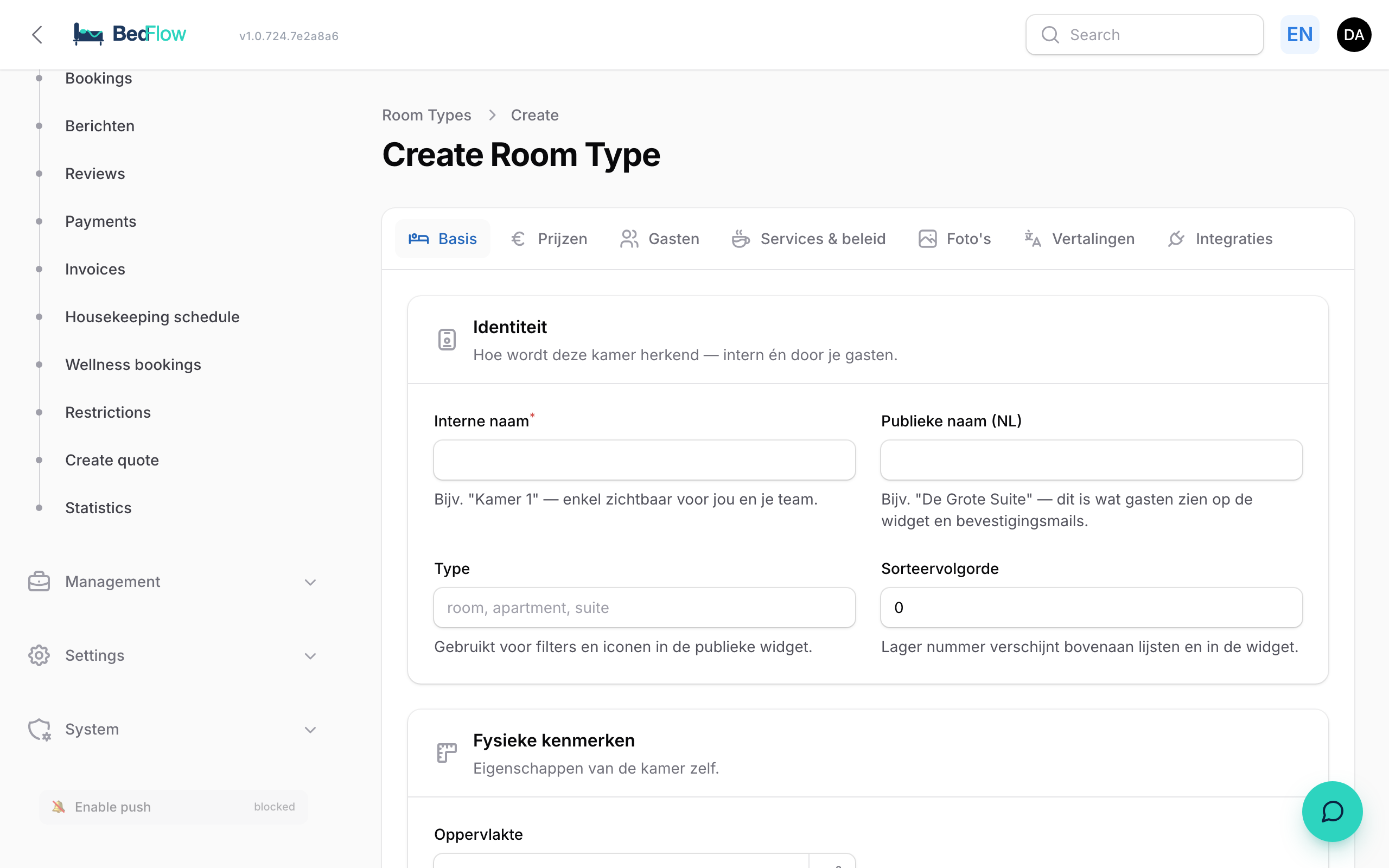
You set up everything below under Settings → Room types → edit the unit.
Unit type and own address
On the Basics tab:
- Unit type: holiday home, apartment or studio for a property of the holiday home type; room, suite, studio or apartment for other properties. A self-contained unit (holiday home, apartment, studio) gets no breakfast questions, even under a B&B with breakfast, and charges one price by default, regardless of the number of guests, unless you set up occupancy prices yourself.
- Address of this unit section (only for a holiday home, apartment or studio): Street + number, Postcode and Town. Empty = the property's address. When filled in, the unit's own address appears in the confirmation and pre-arrival emails, on your mini-site (with a map link per home), on the map in the widget, in the house-manager digest and in the data Google reads (each home as a separate accommodation).
Check-in and check-out times per unit
- Open the unit and go to the Services & policy tab.
- In the Check-in & check-out (unit override) section, fill in the different times: Check-in from, Check-in until and/or Check-out before.
- Click Save changes. Empty = the property's times.
The guest automatically sees the times of the unit they booked:
- in the confirmation and pre-arrival emails and the WhatsApp message before arrival;
- in the booking widget as soon as they choose the unit;
- on the guest page. If a guest requests an arrival time within those hours, BedFlow confirms it straight away; outside them, the request comes to you;
- and your house manager sees them in the house-manager digest.
If your property has a different check-out time per weekday (e.g. Sunday until 17:00), it also applies on that weekday to a unit with its own check-out time.
Cancellation period per unit
You set the default for the whole property under Settings → My property, section Cancellation policy (in hours: 6 weeks = 1008 hours).
If one unit is different, open it and go to the Services & policy tab, section Cancellation policy (room override):
- Cancellation policy: Flexible (free cancellation), Non-refundable or Late cancellation with a charge. If you leave the default choice, the property's policy applies.
- Free cancellation up to X hours before arrival (unit override): 0 to 4320 hours. Empty = the property's period.
When that unit is booked, the widget automatically shows the right period.
Meal plan per unit
On the Services & policy tab, section Meals (room override), choose under Meal plan e.g. No meals or Breakfast included. If you leave the default choice, the property's plan applies. The meal plan is also passed on to Booking.com, Airbnb and Expedia.
Products per unit
You link products (final cleaning, linen, breakfast, …) to the units they apply to. You can do that in two places:
- from the product: Management → Products → edit the product → section Applies to these units/rooms;
- from the unit: Services & policy tab → section Bookable extras in widget.
Does the price differ per unit (e.g. final cleaning €80 or €120)? Then create a separate product for each price and link each one to its own units. With Mandatory on every booking, BedFlow automatically charges the right fee on every booking of that unit; the guest can't untick it (see Mandatory fees).
What you set per unit elsewhere
- Prices: Rate management. Each unit has its own row of base prices and its own price calendar.
- Changeover days and minimum stay: Restrictions, per unit and per channel.